Basic Computer Course
Learn computer fundamentals, typing, MS Office, internet, email, and daily digital work.
Course Overview
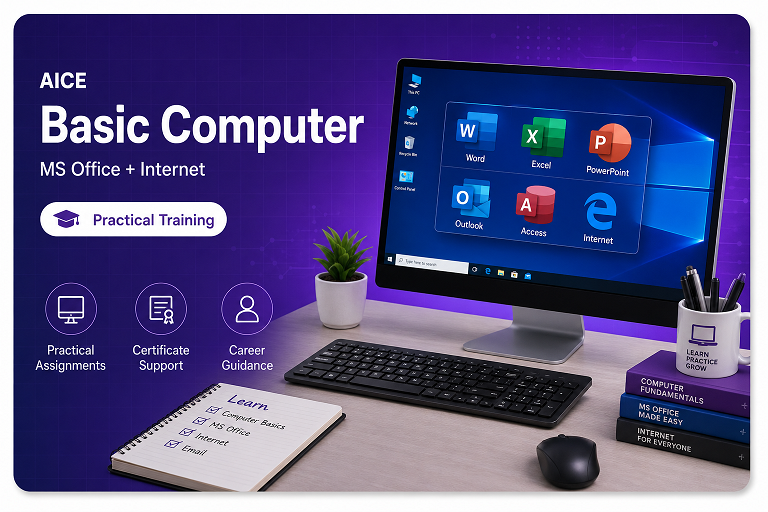
Basic Computer Course is designed for complete beginners. Students learn computer operation, typing, file management, MS Office, internet, email, online services, and basic digital skills.
Professional Syllabus Modules
Computer Introduction
Practice-based learning with guided examples and assignments.
Keyboard and Mouse Practice
Practice-based learning with guided examples and assignments.
Windows Basics
Practice-based learning with guided examples and assignments.
File and Folder Management
Practice-based learning with guided examples and assignments.
MS Word
Practice-based learning with guided examples and assignments.
MS Excel
Practice-based learning with guided examples and assignments.
MS PowerPoint
Practice-based learning with guided examples and assignments.
Internet Browsing
Practice-based learning with guided examples and assignments.
Practice-based learning with guided examples and assignments.
Online Services
Practice-based learning with guided examples and assignments.
Practical Training Includes
AICE training focuses on real computer practice, assignments and confidence-building support.
Who Can Join This Course?
School students
Suitable for practical learning and career-focused skill building.
Beginners
Suitable for practical learning and career-focused skill building.
Housewives
Suitable for practical learning and career-focused skill building.
Senior learners
Suitable for practical learning and career-focused skill building.
Job seekers
Suitable for practical learning and career-focused skill building.
Build useful skills with certificate support
Course Syllabus Accordion
Module 1: Basics +
Module 2: Practical Tools +
Module 3: Assignments +
Module 4: Project / Exam Preparation +
Common Questions
Zero knowledge student join kar sakta hai? +
Yes, course bilkul basic se start hota hai.
Typing included hai kya? +
Yes, basic typing practice included hai.
Certificate milega? +
Yes, course complete hone par institute certificate diya ja sakta hai.
Course duration kya hai? +
Course duration selected course and batch schedule ke according hoti hai. Current timing ke liye WhatsApp par connect karein.
Certificate milega kya? +
Yes, course completion and certificate process ke liye proper guidance di jaati hai.
Class offline hai ya online? +
AICE me practical lab training available hai. Course-wise mode details admission time par explain ki jaati hain.
Fees kaise pata chalegi? +
Latest fees, offers and batch timing ke liye WhatsApp inquiry bhej sakte hain.
Beginner join kar sakta hai kya? +
Yes, most courses beginner-friendly hain aur basics se practical training start hoti hai.
Practical training milegi kya? +
Yes, daily practice, assignments, files and project guidance course ka important part hai.
Start Learning Today
Get course fees, batch timing and admission guidance on WhatsApp.
Other Courses
Explore more practical courses from AICE.
RS-CIT Course
Government-approved digital literacy course for students, job seekers, and competitive exam aspirants.
RSCFA Professional Course
Professional financial accounting course with Tally Prime, GST, billing, inventory, and practical business accounting.
Tally Prime Course
Learn Tally Prime with accounting entries, GST invoices, inventory, reports, and business case studies.
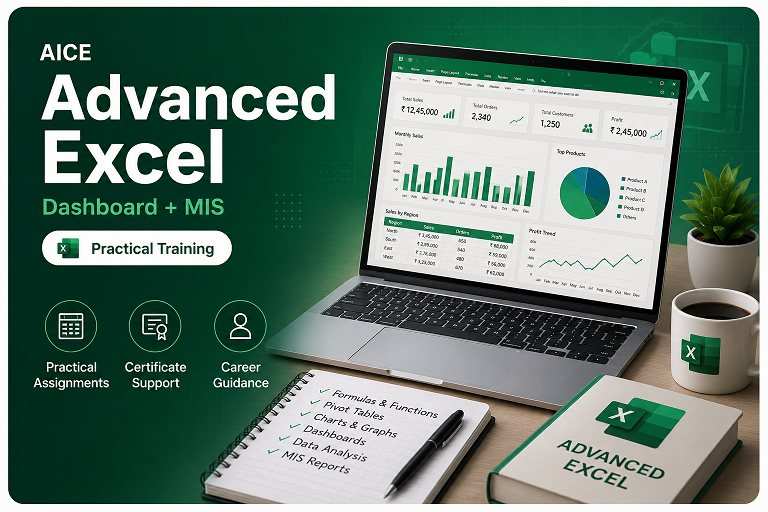
Advanced Excel Course
Master Excel formulas, data cleaning, pivot tables, charts, dashboards, and office reporting.